
AI tools · Electronic signatures
Visit Website
Send the document and collect the signature
Signeasy lets you prepare a document, send it for a signature, and keep the signed file. Seat prices are listed per month, with a year total beside them.
A 14-day trial covers creating, signing, and sending. The person who only signs does not buy a seat.
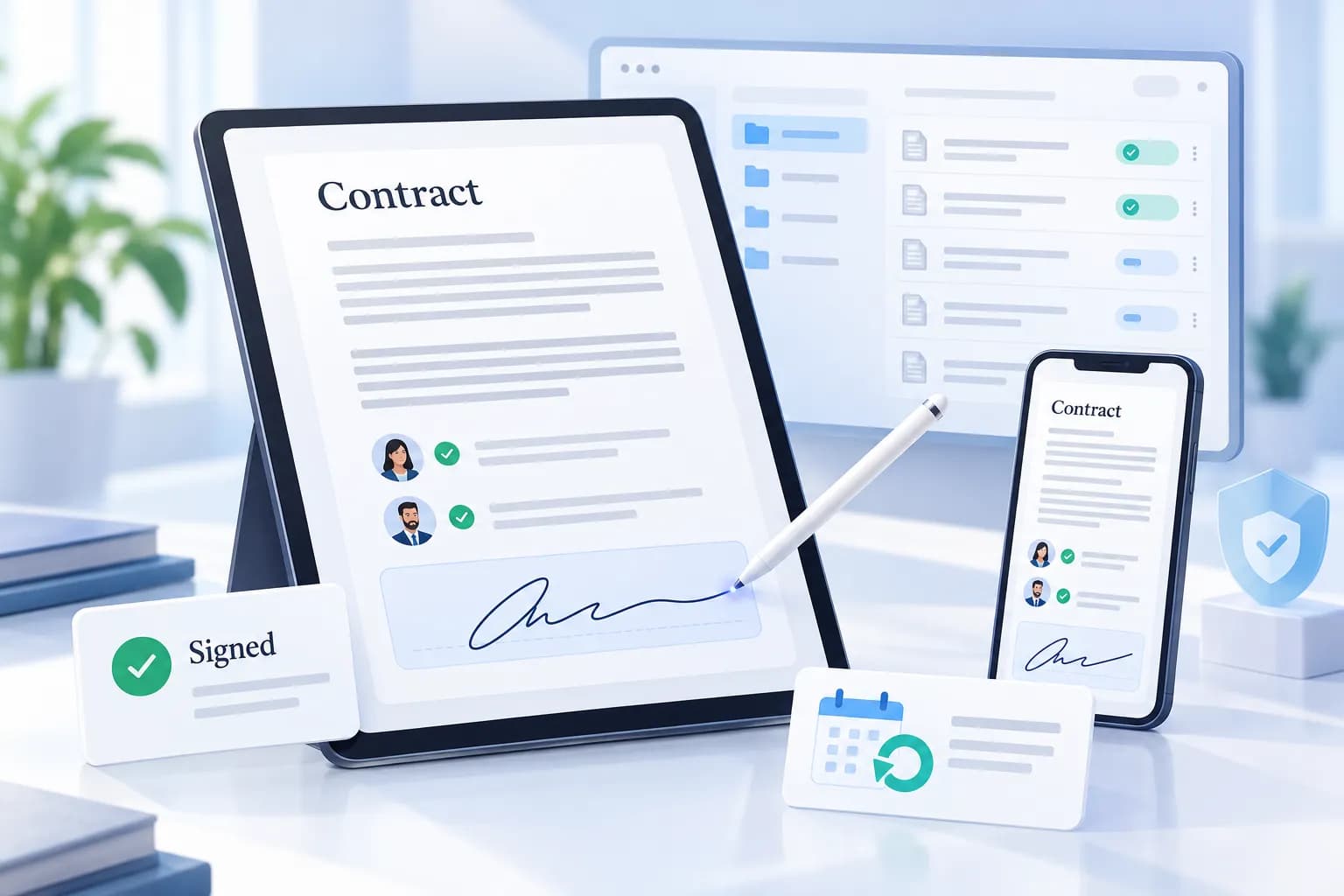
Send the file. They sign. You keep the record.
Upload a document or use a template, send it for signature, and keep the signed copy on record.
What you can do
Signers are not extra seats
People who receive a document can sign without a Signeasy account and without paying. You pay for the people who send and manage documents.
The year totals are printed next to the monthly rate
Personal is $10 per seat per month and $120 for the year. Business is $20 and $240. Business Pro is $30 and $360.
Yearly plans have a 100-day window to ask for money back
Signeasy says that window applies to yearly Personal, Business, and Business Pro. After 100 days it does not offer a partial refund.
A large team is quoted
Five or more seats, high document volume, single sign-on, and bulk send sit on a custom plan. There is no public price for that tier.
How it works
- 01
Start the trial
Use 14 days to create a document, sign one yourself, and send one to someone else. You choose a paid seat when that period ends.
- 02
Send from a template or a file
Upload the document or reuse a template. The signer can complete it without buying Signeasy. You keep the audit trail with the signed file.
- 03
Add seats when more people send
Personal is one kind of seat. Business and Business Pro add collaboration and, on Pro, roles, signer checks, and connections such as SharePoint and HubSpot.
Who it’s for
Signeasy suits people who send the same kinds of documents often: offers, vendor forms, or client agreements. A solo user can stay on Personal. A team that needs roles, shared storage, or an approval step looks at Business or Business Pro. Someone who only signs a file you sent does not need a paid account. Five or more seats is a quote rather than a public sticker price.
Price is per seat, billed yearly
The prices below are the per-seat rates Signeasy lists, with the year total beside them. A 14-day trial lets you create, sign, and send before you pick a plan. People who only sign a document you send do not need their own paid seat.
14-day trial
$0
USD
Try creating, signing, and sending before a paid seat.
- 14 days
- Create, sign, and send documents
After the trial you need a paid plan to keep using Signeasy.
Personal
$10/month
USD
Per seat. $120 USD billed yearly.
A single seat for signing and sending.
- $10 per seat per month
- $120 for the year
Business
$20/month
USD
Per seat. $240 USD billed yearly.
For a team that sends, signs, and works on the same documents.
- $20 per seat per month
- $240 per seat for the year
Business Pro
$30/month
USD
Per seat. $360 USD billed yearly.
Adds team controls and connections Signeasy lists above Business.
- Roles and permissions
- Two-factor authentication for signers
- SharePoint and HubSpot
- Approval workflows
Larger teams
Five or more seats, or a high document volume, is a custom quote. Signeasy also lists single sign-on, bulk send, and some compliance options on that quoted plan.
- Yearly Personal, Business, and Business Pro plans include 100 days to ask for money back. Signeasy says partial refunds are not provided after those 100 days.
- You can cancel renewal. Access continues until the end of the period already paid.
- Signers you invite do not pay and do not need an account.
Seat prices are listed as yearly totals. Confirm the seat count and any add-on on Signeasy before you buy.
Questions
What is Signeasy?
Signeasy is software for sending documents to be signed and for keeping those contracts afterward. You can work in the browser or in its mobile apps. Higher plans add shared workspaces, reminders, and connections to tools such as HubSpot and SharePoint.
Is there a free trial?
Yes. Signeasy lists a 14-day trial for creating, signing, and sending documents. After that you pick a paid plan. There is no ongoing free seat on the pricing page.
What does a seat cost?
Personal is $10 per seat per month, billed yearly at $120. Business is $20 per seat per month, or $240 for the year. Business Pro is $30 per seat per month, or $360 for the year. Custom pricing starts when you need 5 or more seats or a high document volume.
Does the signer have to pay?
No. Signeasy says the recipient does not pay and does not need an account to sign. Your subscription covers the people on your side who send and manage the documents.
Can I cancel?
You can cancel renewal. The account stays on the current plan until the period you already paid ends. On yearly Personal, Business, and Business Pro, you have 100 days from purchase to ask for your money back. After that, Signeasy says it does not give a partial refund.
Send one document during the trial
See the signing step yourself, then match Personal, Business, or Business Pro to the number of people who send.
The trial is 14 days. Seat prices above are the yearly rates Signeasy lists.